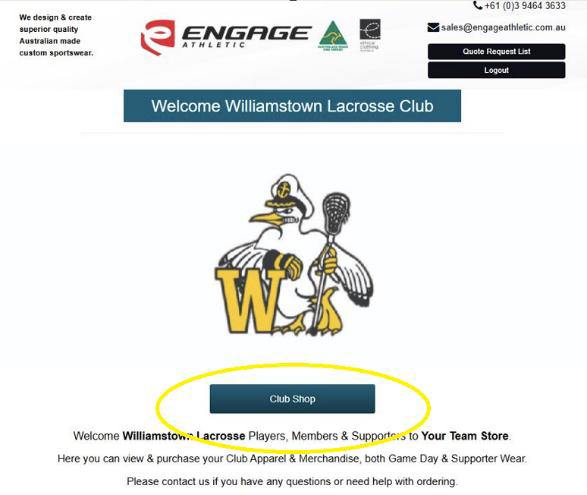
Club Merchandise is available from our merchandise partner team store.
Please keep an eye out for details around cutoff times for orders in our WhatsApp announcements as orders are made in bulk.

New User Registration (First Time Users)
1. Open any internet browser (Google Chrome recommended) and go to: www.engageathletic.com.au. Click on Team Store and log in (top right)
2. To access the Club Shop, you must first register as a user. For privacy reasons, all club members must register individually.
3. In the Register section (right-hand column), enter your details in the registration form and include the Club’s Invitation Code: WillyLacrosse@2026

Logging In & Placing an Order
1. Once registered, click the Log In button located at the top right corner of the website.
2.After logging in, click on Club Shop. You will now be able to access your Club Shop and purchase all club apparel and merchandise.
3.Orders are processed directly by Engage Athletic and payment must be made at the time of ordering via credit card. A confirmation email will be sent once your order has been successfully placed.
4.When you have finished placing your order, click Log Out at the top right corner. Your login details will be saved for future visits.